

How-To Guide › Security, data and legal
Security: sign out, sign out everywhere, WorkPair device key
How to end sessions, and how sign-in is protected.
Who it's for
Everyone.
What you need first
Nothing: you can start now.
Screenshots use demo data and fictional companies.
Steps
Sign out of this browser from the ☰ menu (on a wide screen, in the top bar).
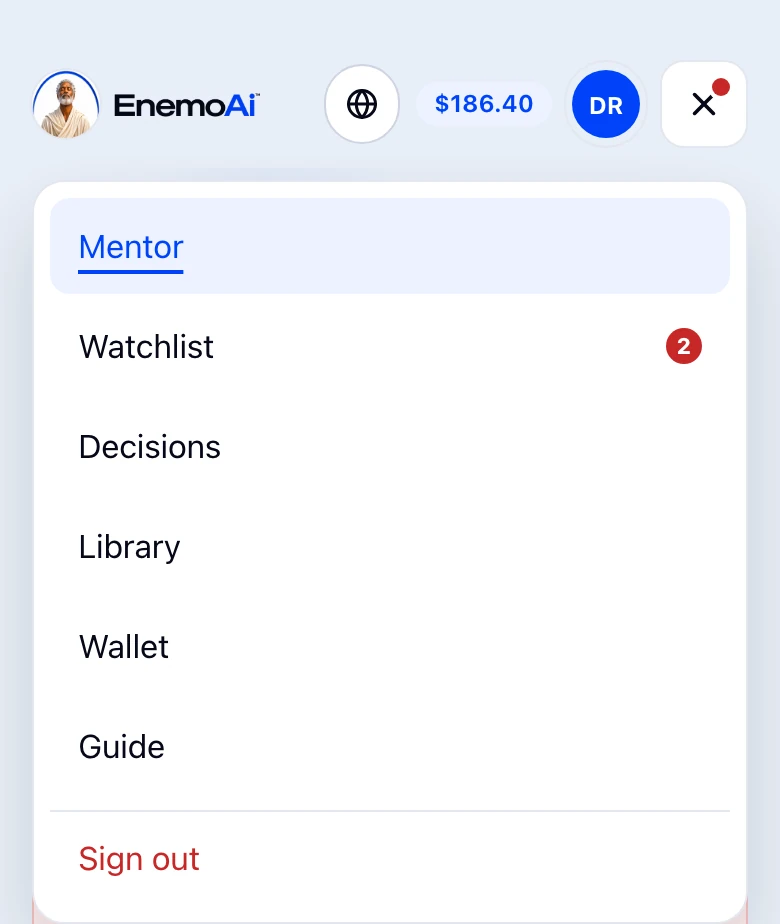
Sign out everywhere is in Account → Sign-in and security. That group starts closed: open it with its arrow. Sign out everywhere ends every EnemoAi session on every device at once; tick Also sign out of WorkPair if you want that too.
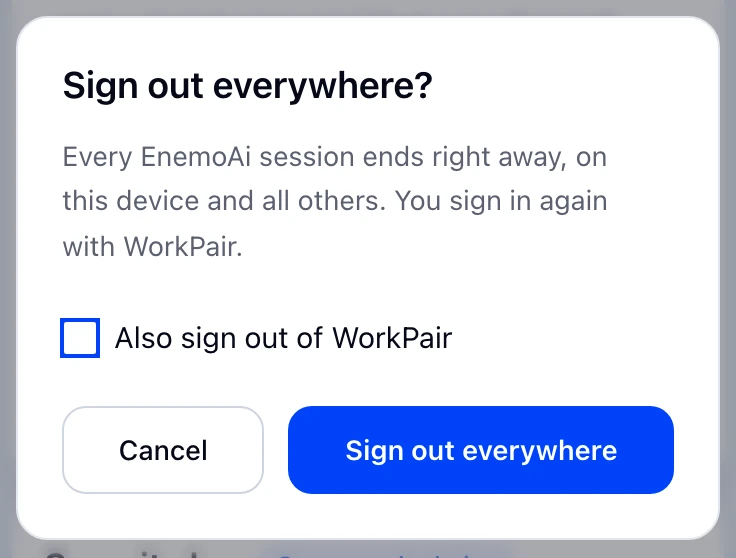
Sign-in itself is WorkPair's: the device key or passkey you set up in WorkPair protects your WorkPair ID. EnemoAi has no passwords and never sees your identity documents.
Sensitive actions ask you to sign in with WorkPair again (within the last 15 minutes): team changes, top-ups above $500 and closing the account.
What happens next
Owners and admins can review the security log in Account. That group starts closed: open it with its arrow. More: enemo.ai/security.
Common problems
- Lost a phone or used a shared computer?
- Use Sign out everywhere, and secure your WorkPair ID in WorkPair.