

How-To Guide › Security, data and legal
Download your data
Download everything EnemoAi holds for you as a file.
Who it's for
Everyone.
What you need first
Nothing: you can start now.
Screenshots use demo data and fictional companies.
Steps
Open Account → Your data. That group starts closed: open it with its arrow. Then choose Download my data.
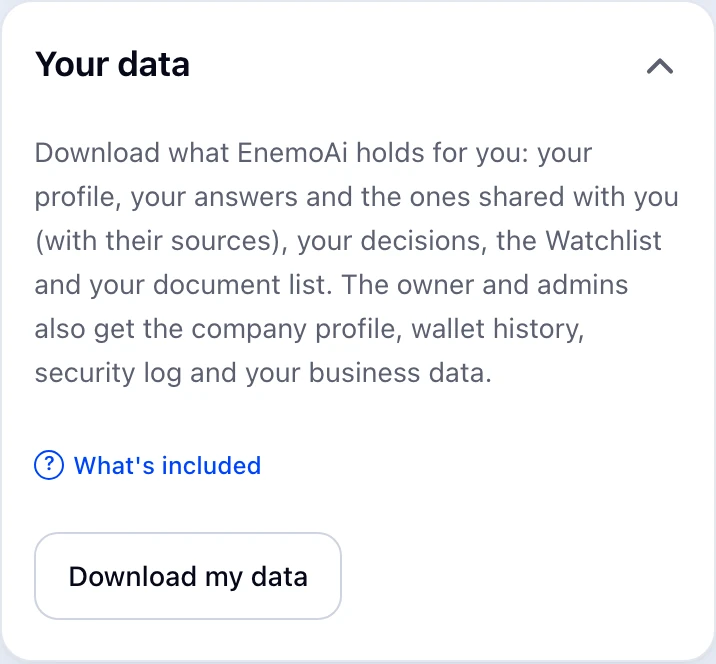
You get a JSON file with your profile, your answers and the ones shared with you (with their sources), your decisions, the Watchlist and your document list. The owner and admins also get the company profile, wallet history, security log and the business data your business connected.
What happens next
The download stays available even while your business is on hold.